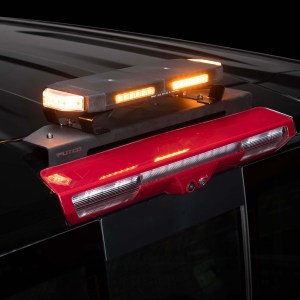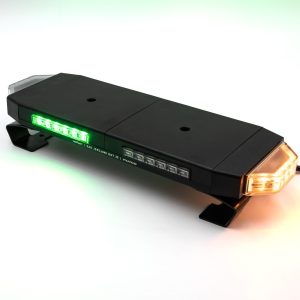
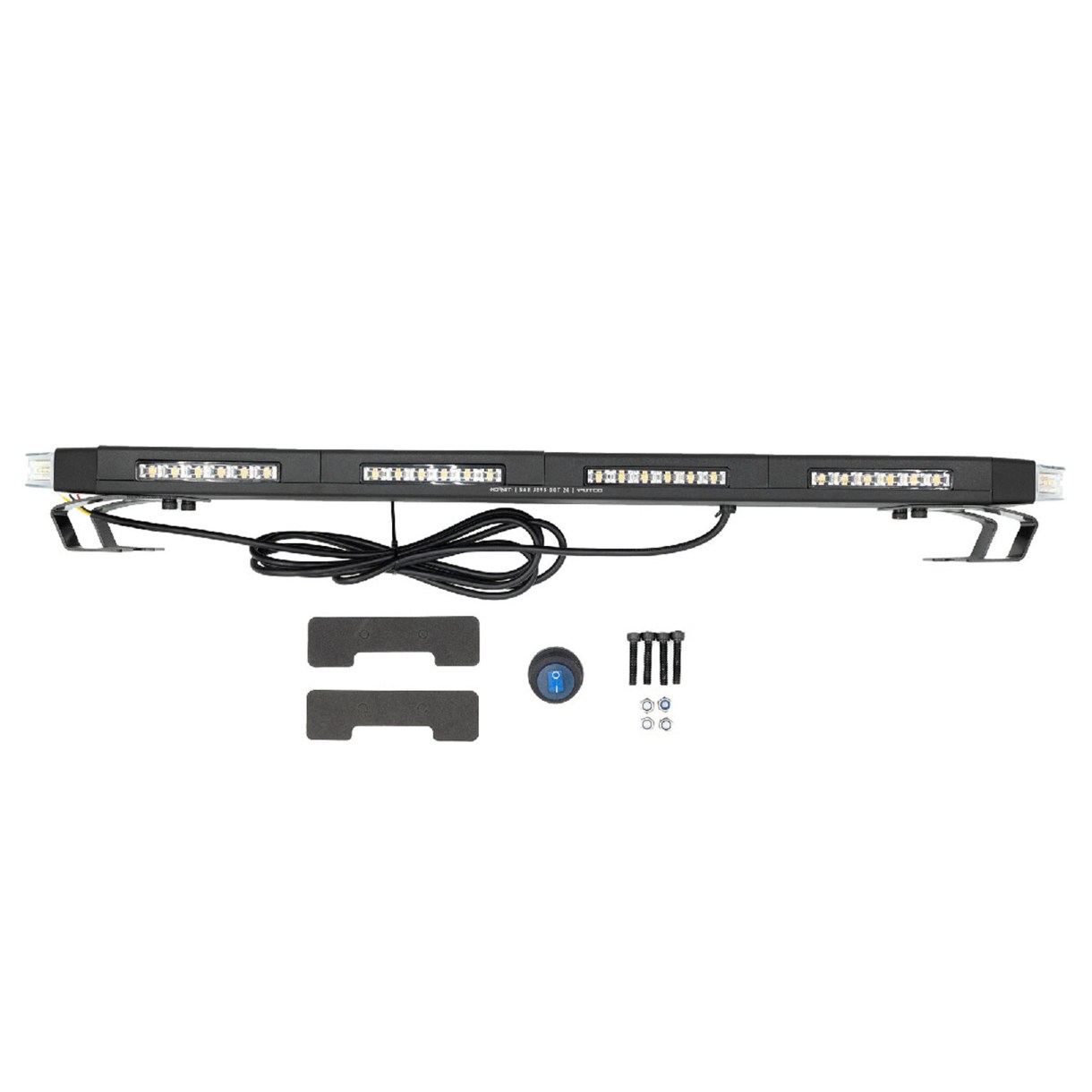
Included Components
Hornet Light Bar (16″, 24″, 36″, or 48″)
Universal C-Brackets (mounting hardware)
Lighted Toggle Switch
6.5 ft Wiring Harness
Important Information
Read all instructions before beginning installation
Verify all parts are included and undamaged
Designed for 12V DC systems
Not all units include every function (see wiring section below)
System Overview (Read This First)
Red Wire = Main Power (through switch)
Black Wire = Ground
All other wires = Ground-triggered functions
All control wires (yellow, white, purple, green, brown) activate when connected to ground, not +12V
Step 1: Mount the Strobe Light Bar (Varies by mounting method)
Install the Hornet light using the included C-brackets or your preferred mounting solution
Position the light securely and tighten all hardware
Ensure the etched side faces forward (direction of travel)
Step 2: Route the Wiring (Varies by mounting method)
Route the wiring from the light into the cab
Run along the headliner, down the C-pillar, and forward to the switch location
Avoid sharp edges, moving parts, and heat sources
Step 3: Connect Power and Switch
Using the included lighted toggle switch:
Connect fused 12V power to one terminal of the switch
Connect the other switch terminal to the red wire (Hornet power)
Connect the black wire from the Hornet directly to chassis ground
This switch controls ON and OFF power to the light bar
Step 4: Connect Optional Control Wires
All function wires are ground-triggered. Connect them to ground through a switch to activate:
Yellow Wire = Pattern Change (tap to ground momentarily to cycle patterns)
White Wire (if equipped) = Color Change (tap to ground momentarily to cycle colors)
Purple Wire (if equipped) = White Override (connect to ground to activate)
Brown Wire (if equipped) = Left Turn Signal (connect to ground to activate)
Green Wire (if equipped) = Right Turn Signal (connect to ground to activate)
How It Works
Flip switch ON = Light powers on
Flip switch OFF = Light shuts off
Tap yellow wire to ground = changes flash pattern
Tap white wire to ground = changes color (if equipped)
The light remembers last selected settings after power is turned off
Wiring Notes
Any unused wires can be left disconnected and safely secured
The light must be powered ON to change patterns or colors
For ongoing control, connect function wires to momentary or auxiliary switches
Use a fused power source for safe operation
Final Check
Confirm all connections are secure
Verify proper function of power, patterns, and optional features
Ensure wiring is safely routed and protected
Check out the
Need Help?
For technical support, contact Putco
Phone: 1-800-247-3974
Email: support@putco.com
Hours: Monday to Friday, 8:30 AM to 5:00 PM (Central Time)